When a Spreadsheet Stops Making Sense, Build a Dashboard Instead
I was recently deep in competitive research for a supply chain AI project. Dozens of companies, hundreds of features, overlapping sectors, all living inside a spreadsheet that was getting harder to read by the day. So I did what I always do when data gets unwieldy: I built something custom to make sense of it.
The problem: spreadsheets hit a ceiling
When you're researching a competitive landscape, especially in a space like AI-powered supply chain tools, the data gets complex fast. You're tracking company names, what sector they serve, what features they offer, how they overlap with what you're building, and more. A spreadsheet can hold all that data, but it can't help you see the patterns. You end up scrolling, filtering, and squinting at rows trying to answer questions that should be obvious.
Step 1: Map out the landscape
The first thing I did was identify every company operating in the AI supply chain space that could be relevant. The goal wasn't deep analysis yet. It was building a complete picture of the playing field before zooming in.
Step 2: Research each company
Once I had the list, I went through each company and documented the details that mattered: What sector do they focus on? What specific features do they offer? Who are their target customers? I used GROC to help me do this research.
Step 3: Build a dashboard to actually see the data
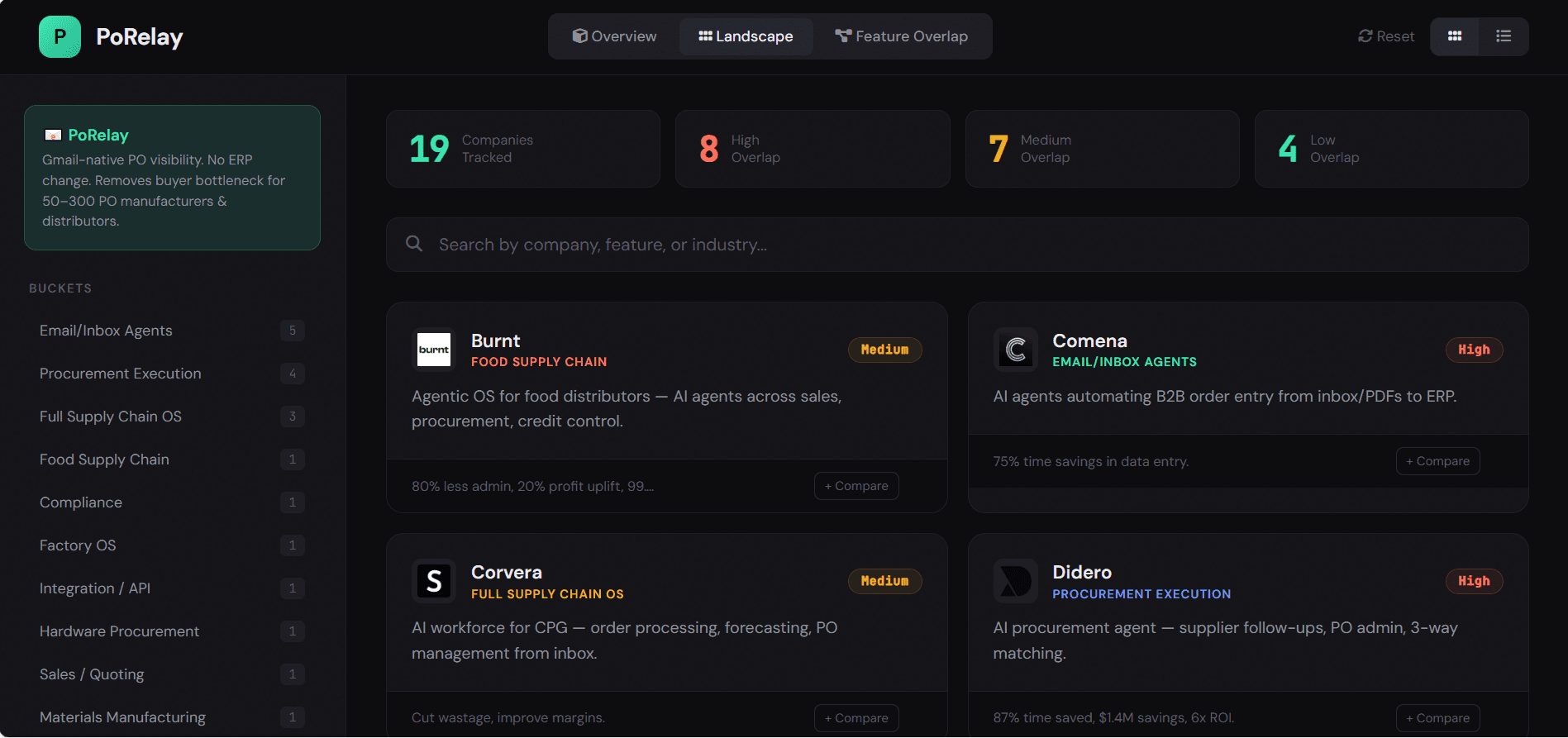
This is where it gets interesting. Instead of trying to wrestle the spreadsheet into something visual, I used AI to generate a custom HTML dashboard. Not a full app, just a single-purpose tool to help me explore and understand the data I'd collected. The dashboard let me browse companies in a card layout, filter by sector or overlap level, and instantly scan the competitive landscape in a way that a spreadsheet never could.
Comparing companies side by side
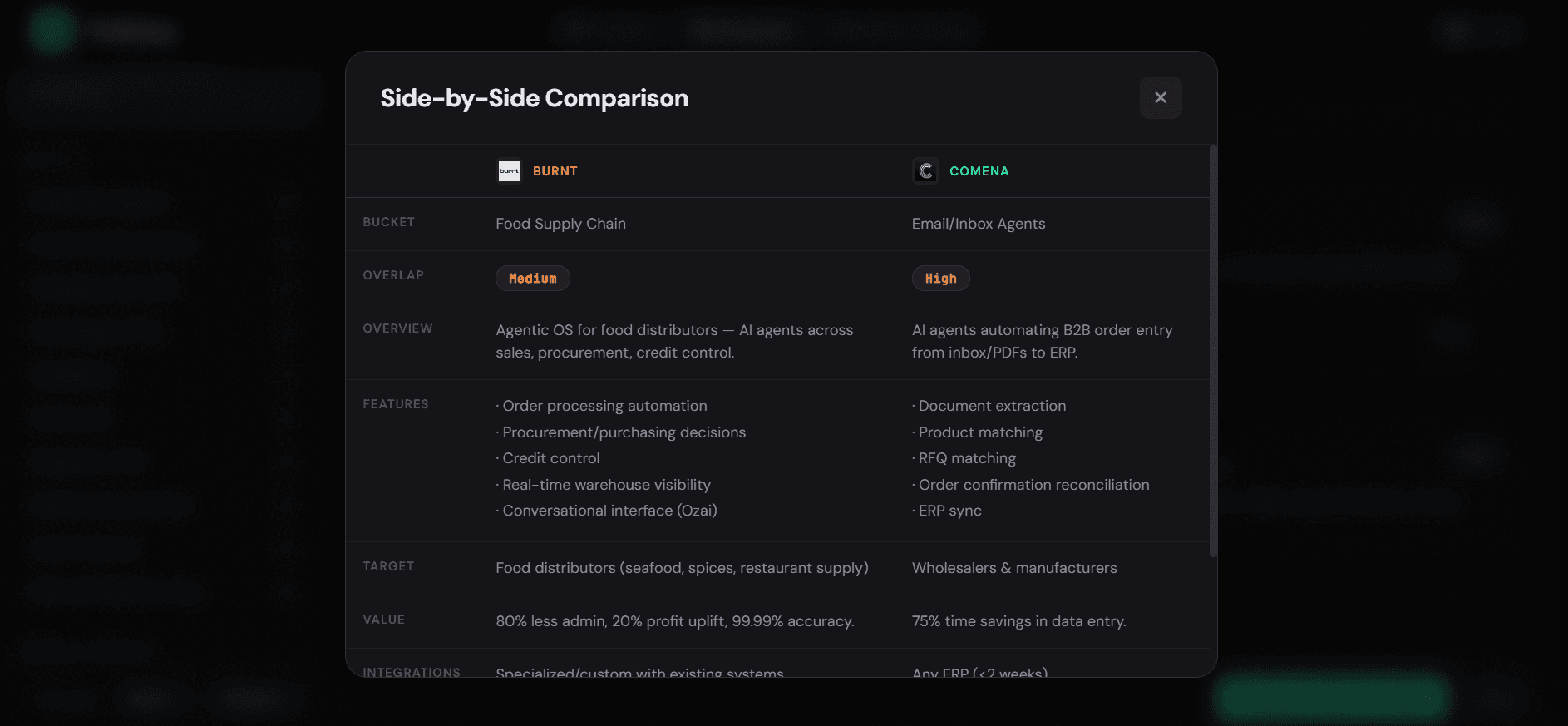
One of the most useful features was the side-by-side comparison. It allows you to get quick glances on how companies compare.
Visualizing feature overlap
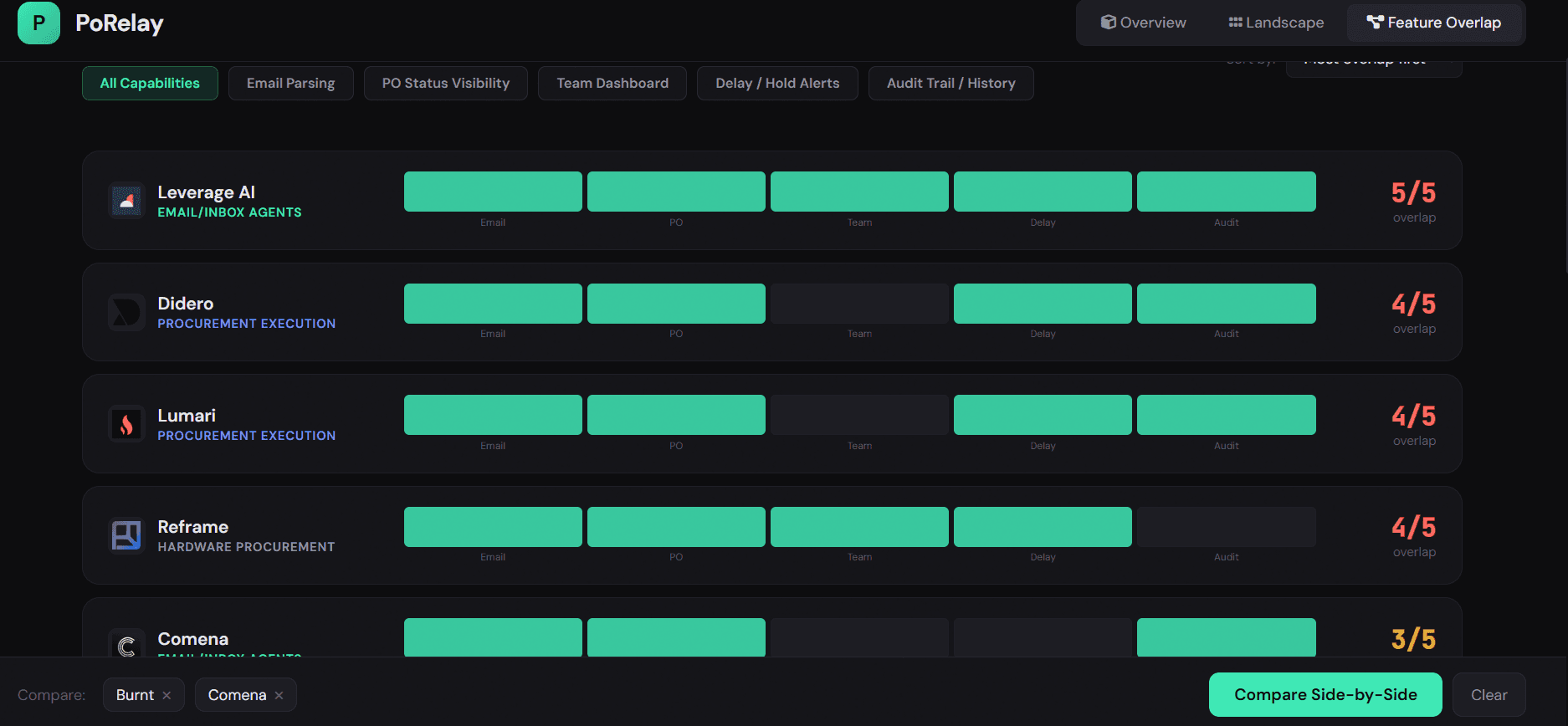
The other view that made a huge difference was the feature comparison dashboard. This one shows every company ranked by how many key features they have.
Why this matters
This took two hours to build and gave me a much better perspective on what I was trying to understand.
The takeaway
Next time you're buried in a spreadsheet and struggling to make sense of it all, consider building a quick dashboard instead. AI is great at helping you visualize unstructured data.
Want to talk about building custom tools or applying AI to your workflow?
Find Me on LinkedIn